Connect your AI Assistant to Partnero
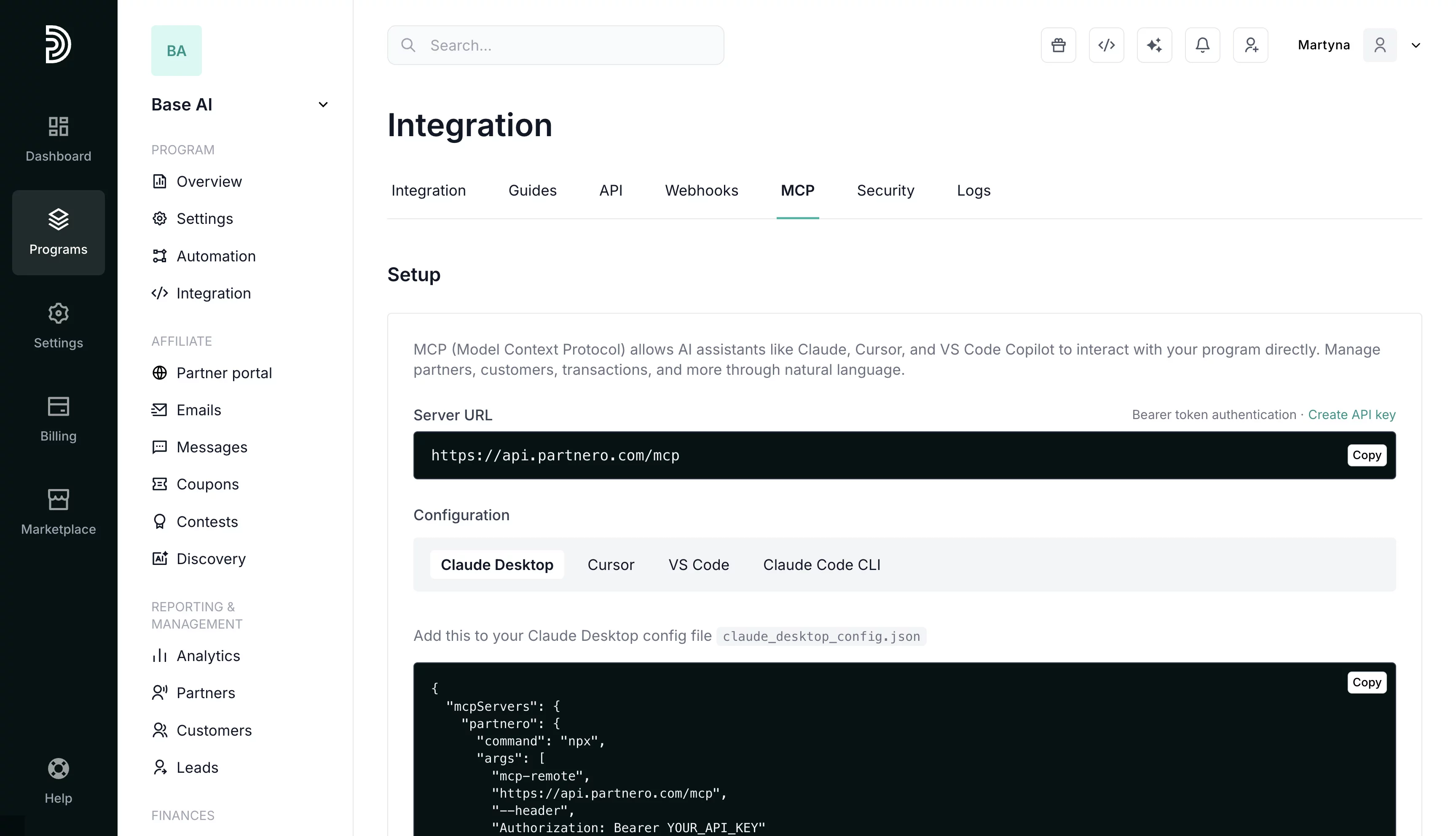
Use Partnero MCP to connect Claude, Cursor, VS Code, or Claude Code CLI to your Partnero account and manage your affiliate program directly from the AI tools you already use.



What is the Partnero MCP Server?
MCP (Model Context Protocol) is an open standard that lets AI assistants securely connect to external tools and data. The Partnero MCP Server connects your affiliate program to any compatible AI assistant, so instead of clicking through the dashboard, you just ask.
Once connected, your assistant can:
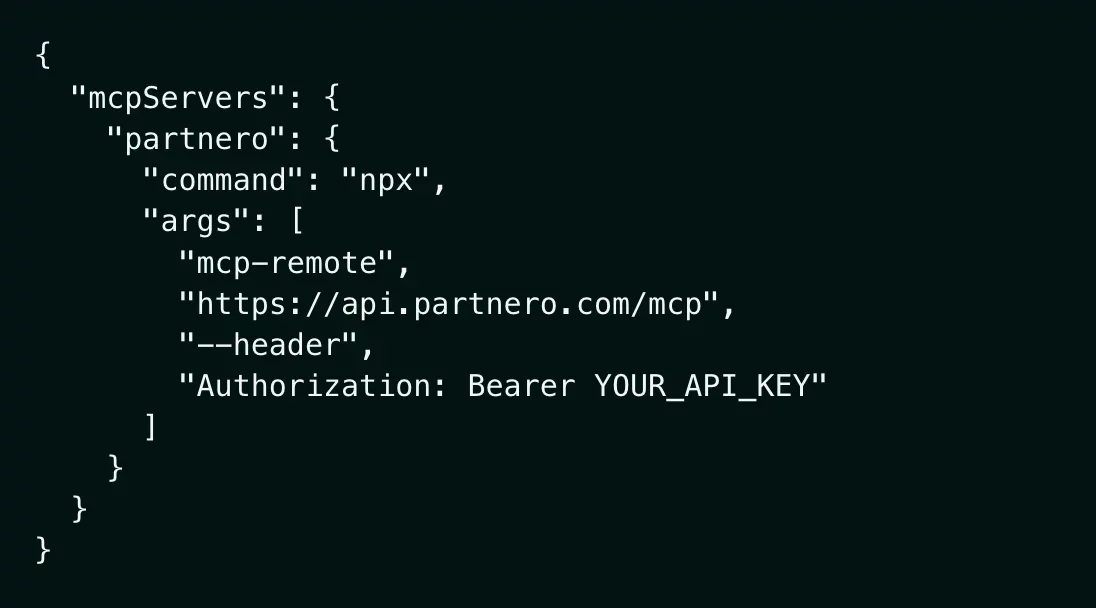
All requests are authenticated with your Partnero API key, so your assistant only ever accesses what your account is authorized to see.
Why it matters

If you're already using Claude Desktop, Cursor, or VS Code, there's no need to switch tools. Connect Partnero once and manage your program without leaving your environment.

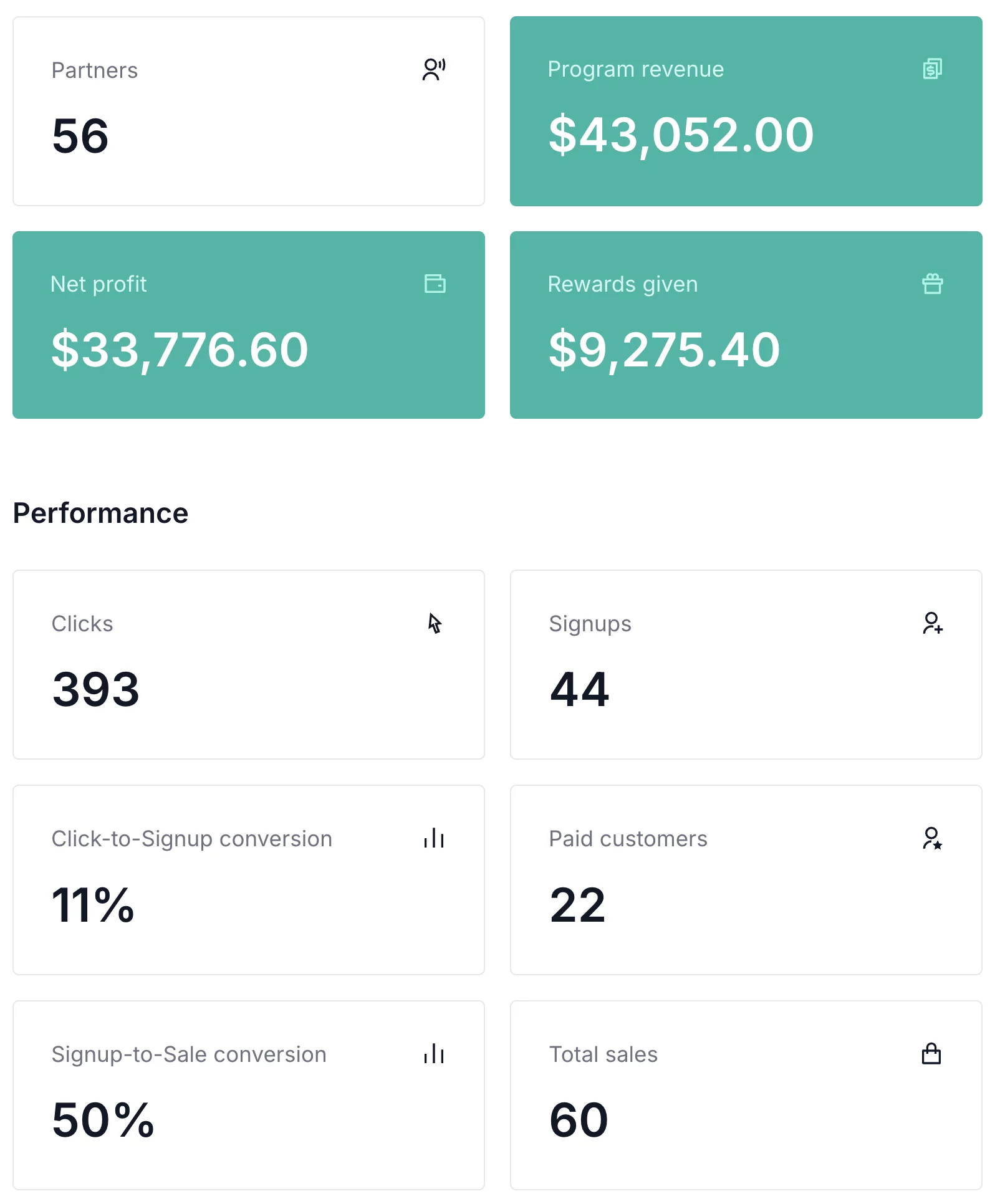
Ask your assistant to find your top partners this month, create a new customer, or pull pending commission totals — and it executes the action directly in your account.

Whether you're a developer building on top of Partnero or a power user who lives in AI tools, MCP gives you a faster, more flexible way to interact with your program.



What you can do with the Partnero MCP Server
Advanced coupon management designed for efficiency and measurable results
Who it's for



SaaS companies
Track signups from podcasts and YouTube. Stripe integration handles subscription coupons.

Online stores
Give influencers codes their followers actually use. Sync with Shopify & WooCommerce.

Course creators
Attribute webinar and guest podcast enrollments.

Subscription businesses
Monitor retention and recurring revenue by affiliate.
How to connect your AI assistant to Partnero
Common questions about the Partnero MCP Server
Claude Desktop, Cursor, VS Code, and Claude Code CLI. Ready-to-use configuration instructions for each are available directly in your Partnero dashboard.
Partners, customers, transactions, leads, rewards, and program settings. Full read and write access, authenticated with your API key.
Yes. MCP access is included on every Partnero plan, no upgrade required.
Yes. The MCP Server is one of four Partnero AI features, alongside the AI Agent, Partner Discovery, and Program Builder.
All requests are authenticated with your Partnero API key. Your assistant only accesses data your account is authorized to see.
No. AI Assistant is ready for use as soon as you create an account.
You control code creation. Auto-generate codes, manually create and assign them, or do both, but affiliates can't create codes themselves.
Yes. When you manually assign codes, each affiliate can have a different discount. Give top performers better codes, or test which discount amount converts best.
Launch your program in minutes or get in touch for advanced setups.